Help (FAQ)
Need help with the site?
Get help with online jigsaw puzzles on TheJigsawPuzzles.ai. Find answers to common questions about puzzle controls, game features, and technical problems.
Playing a jigsaw puzzle
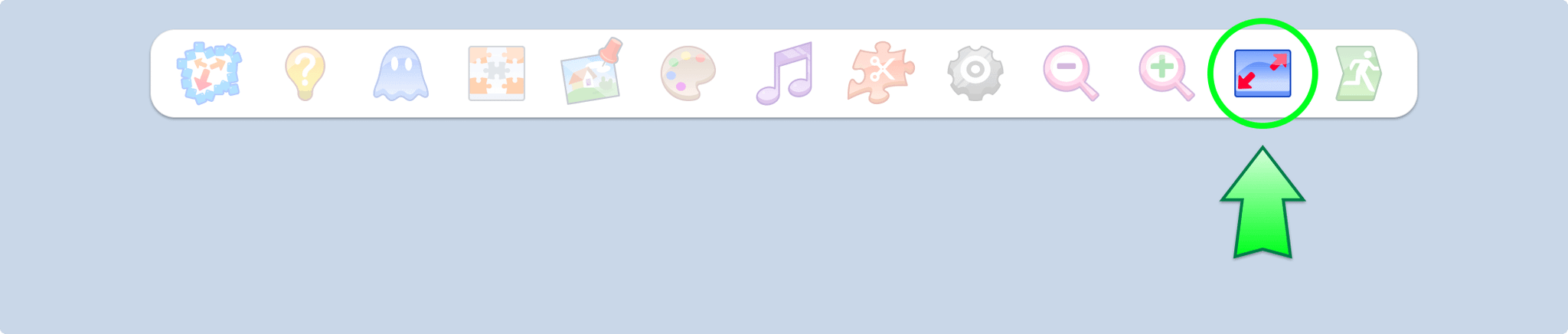
How do I play a jigsaw puzzle in full screen?
To switch to full-screen mode, click the button showing a blue rectangle with three red diagonal arrows on the top toolbar. You can also press F on your keyboard.
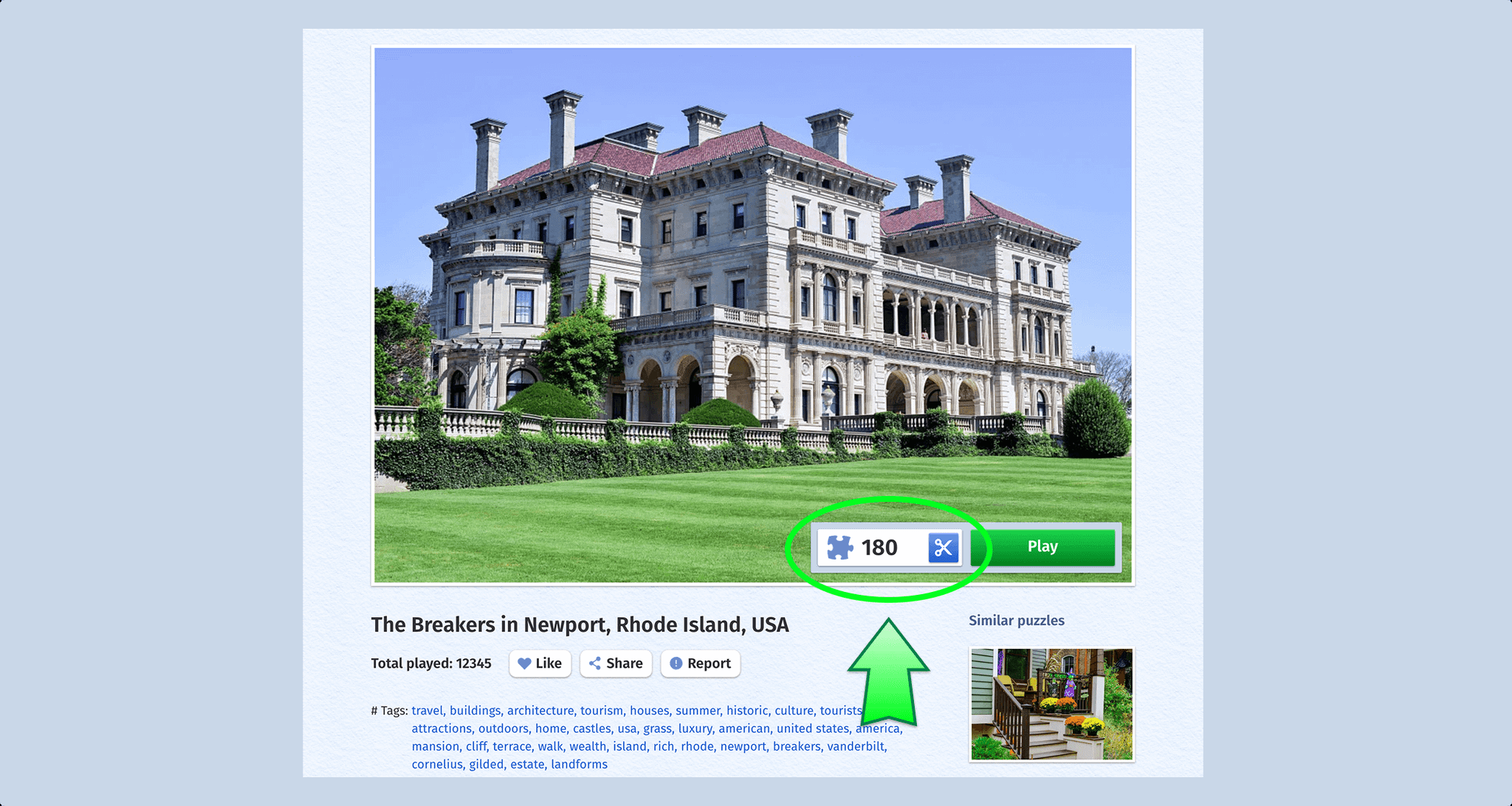
How do I change the piece shapes and the number of pieces in a puzzle?
On the puzzle preview page, click the button showing a piece shape and a number in the lower-right corner of the preview image, next to Play.
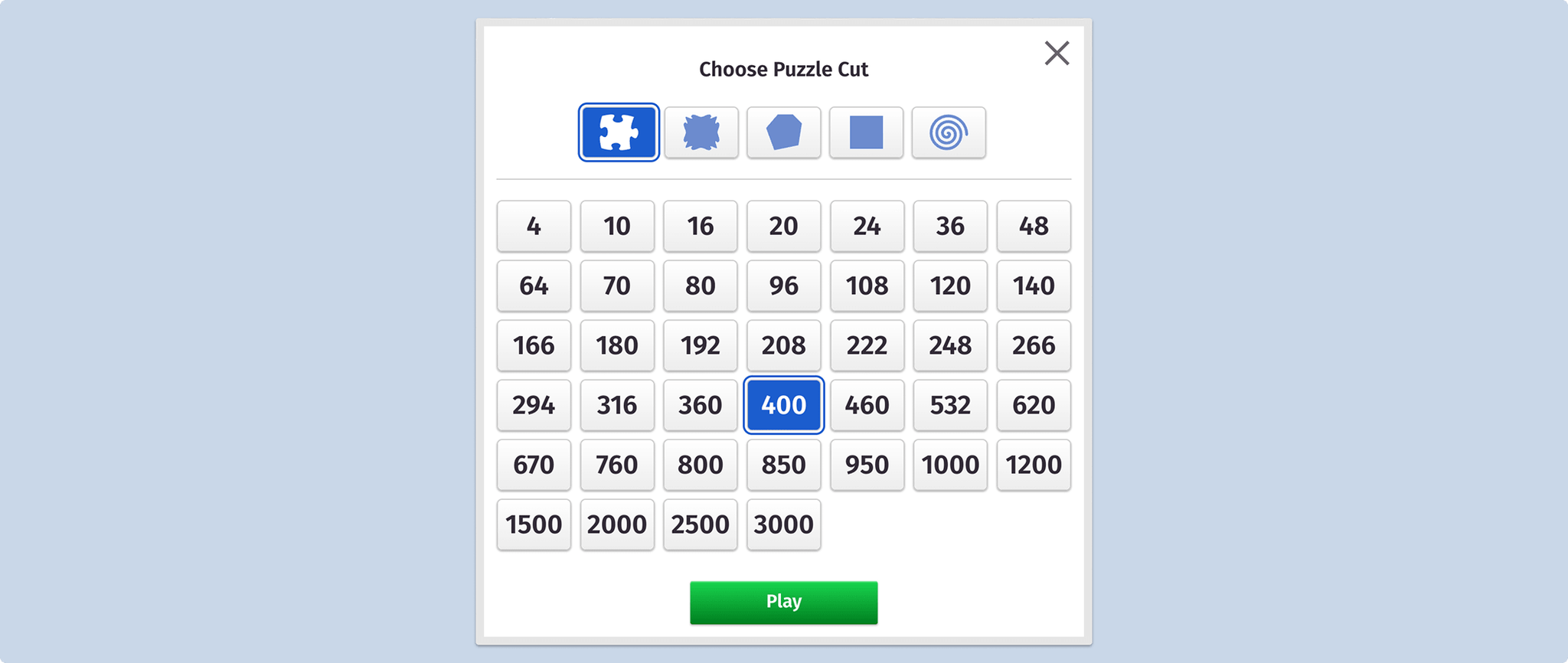
This opens a panel where you can change the number of pieces and their shapes. Choose from five different piece shapes and puzzles ranging from 4 to 3,000 pieces.
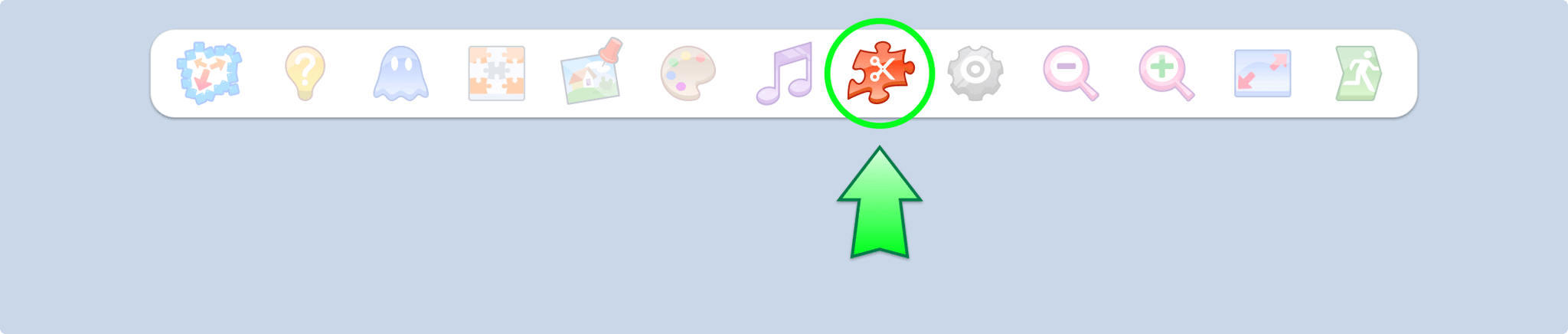
You can also change the cut while playing by clicking the button showing an orange puzzle piece with white scissors. Changing the cut will restart the puzzle.
I'm stuck. How can I find the next piece?
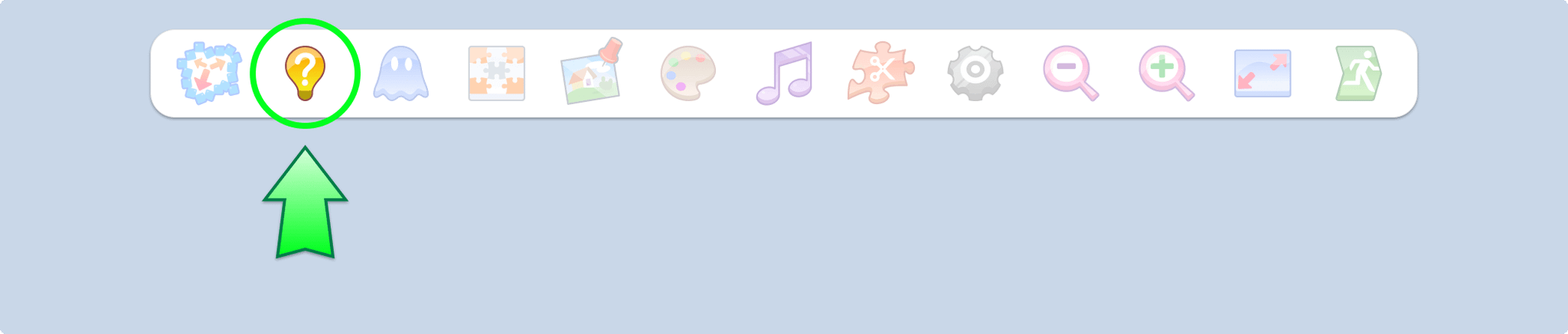
For a hint, click the light bulb button on the top toolbar, or press H on your keyboard. The game will highlight the next connection you can make: either two separate pieces or a piece and a group of connected pieces.
I'd like to try a puzzle with lots of pieces, but I'm worried I won't be able to finish it.
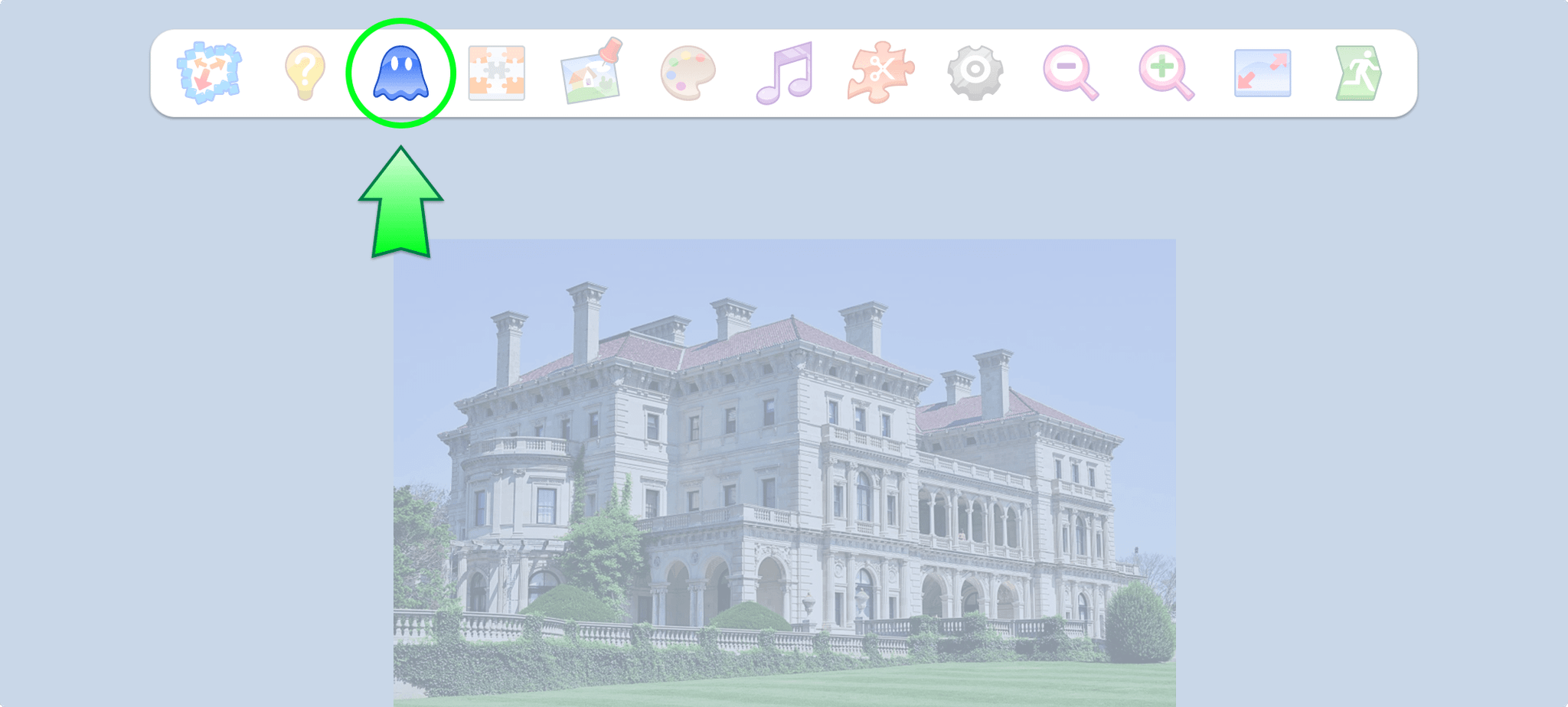
Click the ghost button on the top toolbar, or press G on your keyboard. This displays a semi-transparent copy of the complete picture on the puzzle board, also known as a ghost image, background image, or outline. Use it as a guide to see where the pieces belong.
How do I save an unfinished jigsaw puzzle?
Your puzzle progress is saved automatically after every move, so you don't need to save it yourself. You can return to an unfinished puzzle at any time and continue where you left off. Look for the progress indicator on its preview image. The percentage on the puzzle's preview image shows how much of it you've completed.
If the progress indicator is missing from your unfinished puzzles, try the steps below.
Warning: Steps 3 and 4 will delete any existing saved puzzle progress.
- Make sure your browser is not in private or incognito mode. Progress saved during a private browsing session is lost when that session ends.
- Make sure your browser allows cookies and is not set to delete them automatically. See Google's guide to enabling cookies.
- Follow this guide to clear your browser's cookies.
- If the problem continues, follow these instructions to clear your browser's cache.
Can I select and move several puzzle pieces at once?
Yes. There are two ways to select and move multiple pieces:
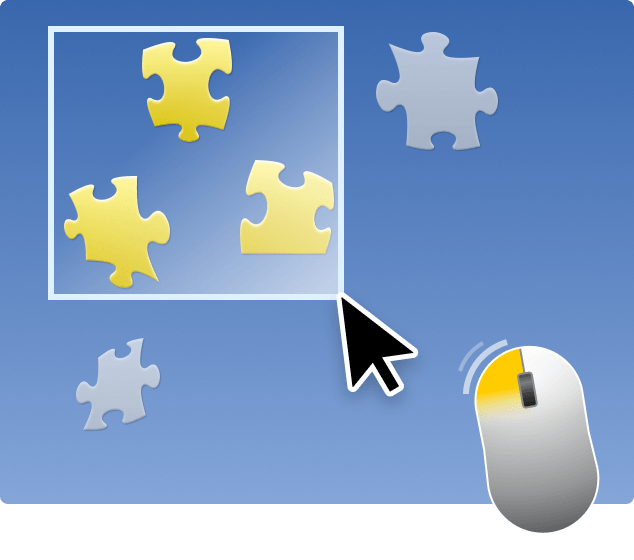
- Draw a selection box. Click an empty part of the board, hold down the left mouse button, and drag to draw a blue box around the pieces you want to select. You can then move the selected pieces together.
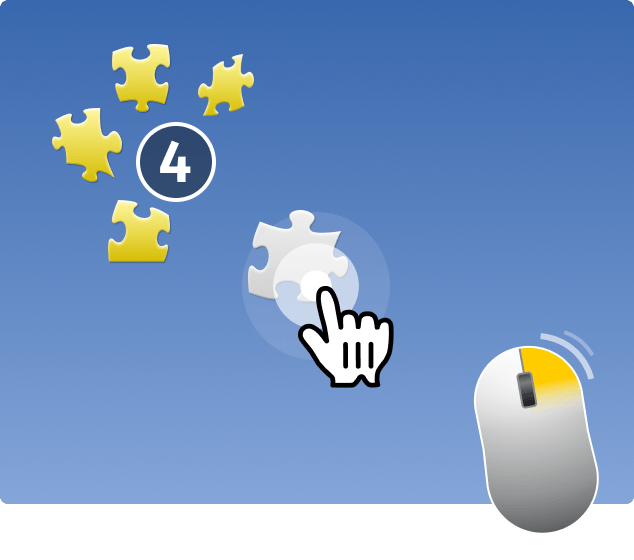
- Pick up pieces individually. Right-click each piece you want to pick up. You can carry up to 5 pieces this way, then put them back on the board by clicking or holding down the left mouse button.
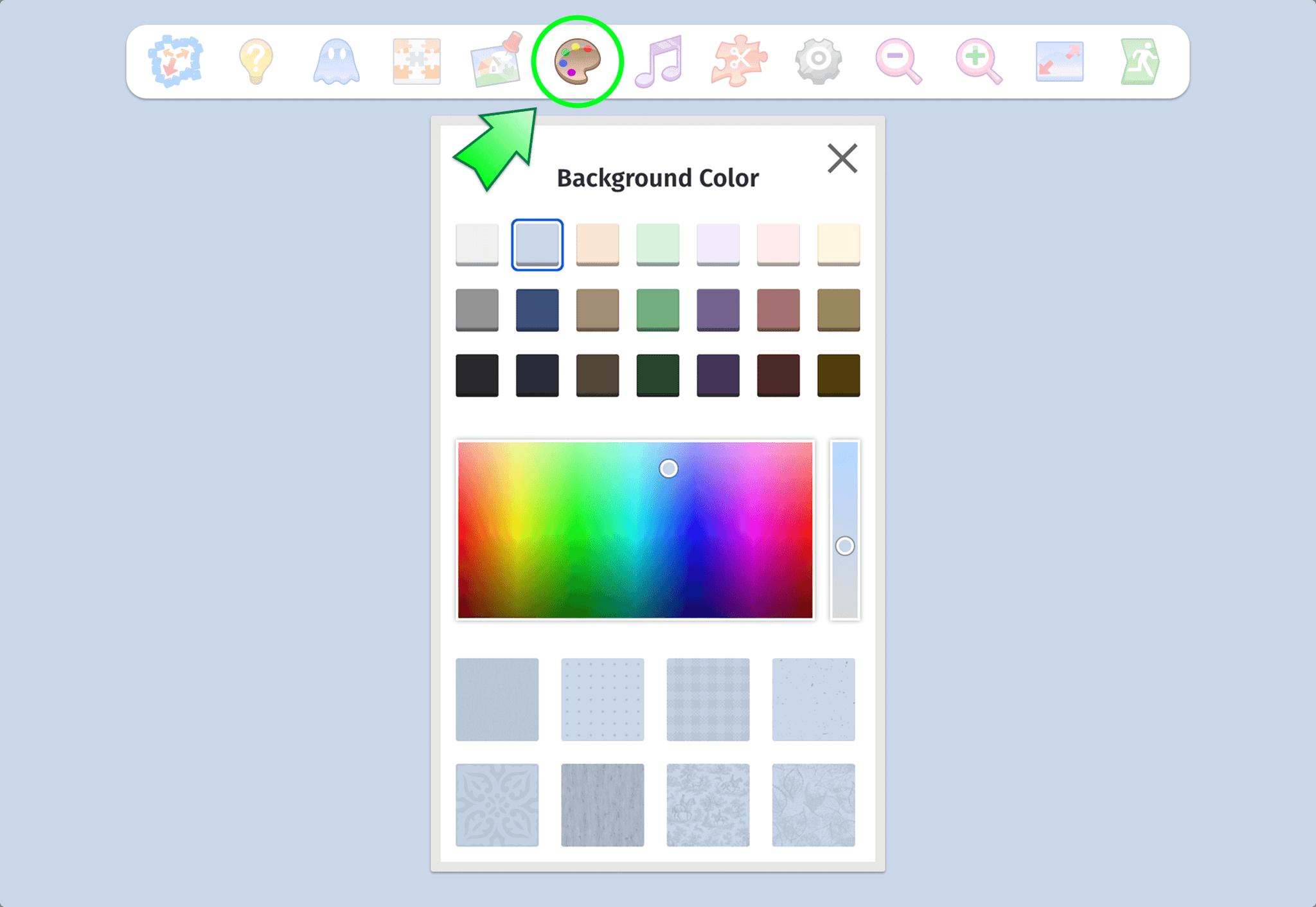
How do I change the puzzle background color or pattern?
Click the artist's palette button on the top toolbar to open the background options. You can change both the color and the pattern to suit your taste or the puzzle picture.
When I do a physical puzzle, I use the picture on the box. Can I do that here too?
Yes. Click the button showing a picture with a red pin to keep a reference image of the puzzle on the board while you play, just like the picture on a jigsaw puzzle box. You can also press V on your keyboard.
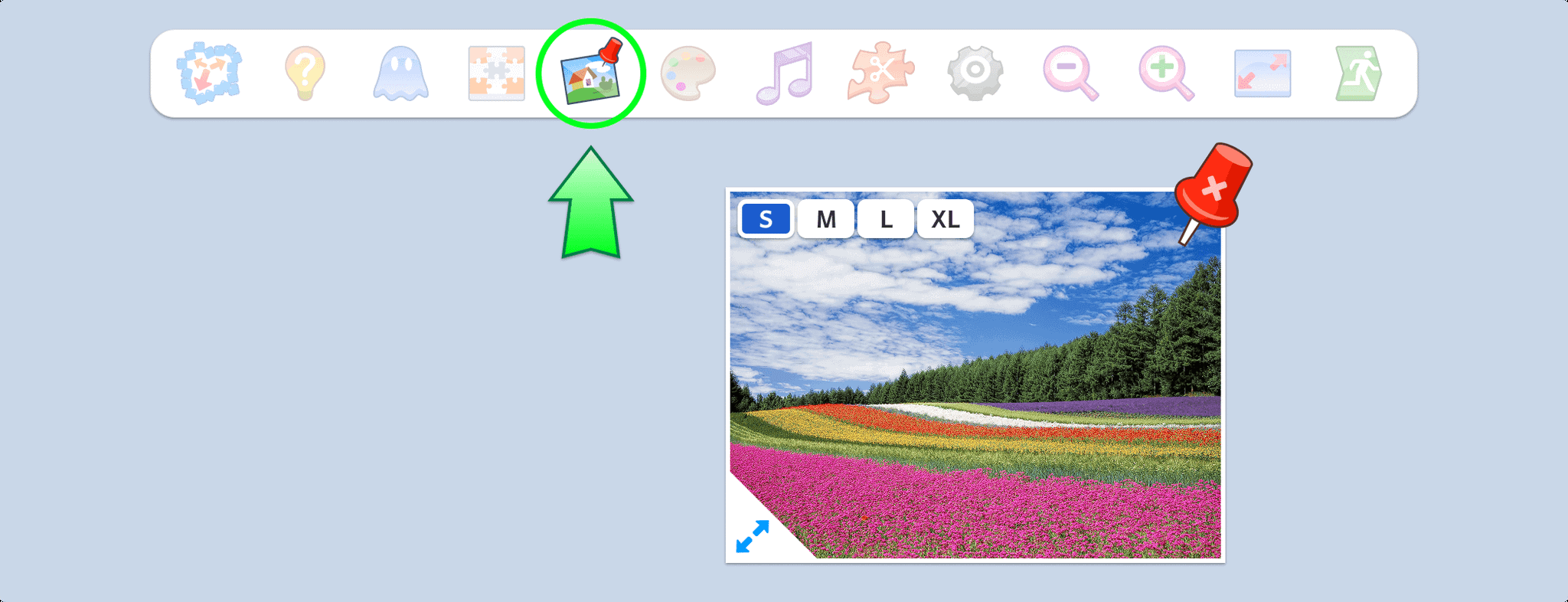
Choose one of the four sizes: S, M, L, or XL. You can also resize the image by dragging the arrows in its lower-left corner.

How can I quickly rearrange puzzle pieces and clear the middle of the screen?
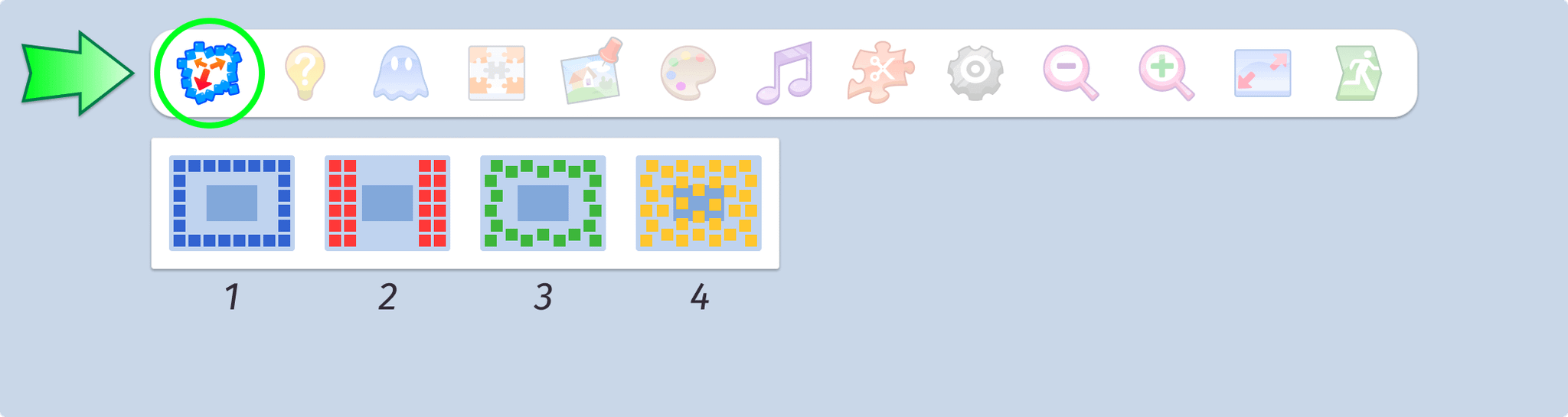
Click the button showing blue puzzle pieces with orange arrows on the top toolbar to open the drop-down menu. Choose one of four arrangements:
- Along the grid around the picture
- To the left and right sides
- Fill the free space (excluding the image area)
- Fill the whole screen
How do I rotate jigsaw puzzle pieces?
Pieces on TheJigsawPuzzles.ai do not rotate. They are already facing the right way.
Twenty years of feedback from thousands of players on TheJigsawPuzzles.com has shown us that rotating pieces can make everyday play more complicated and tedious. We chose to focus on a single mode without rotation for TheJigsawPuzzles.ai.
I like large puzzles with hundreds of pieces, but the pieces are too small!
You can make the puzzle pieces bigger by zooming in, even when you are working on a puzzle with hundreds or thousands of pieces. You can zoom in and out in three ways:
- Scroll your mouse wheel.
- Press + to zoom in or - to zoom out on your keyboard.
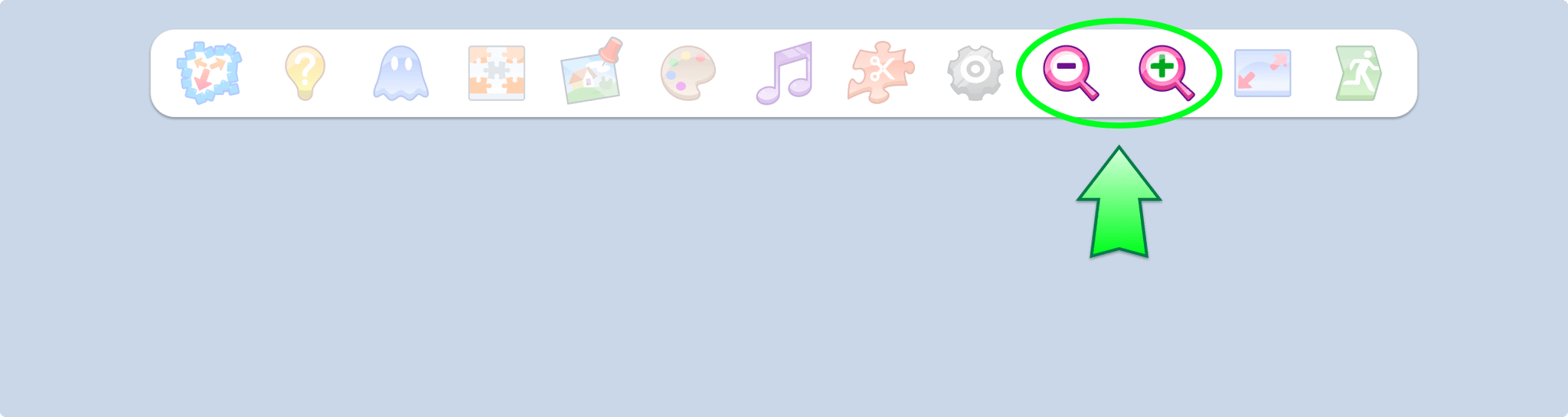
- Click the magnifying glass buttons marked + and - on the top toolbar.
I need more space to move and sort puzzle pieces!
Zoom out to see more of the puzzle board and give yourself more room to sort pieces. Use your mouse wheel, press - on your keyboard, or click the magnifying glass button marked - on the top toolbar.
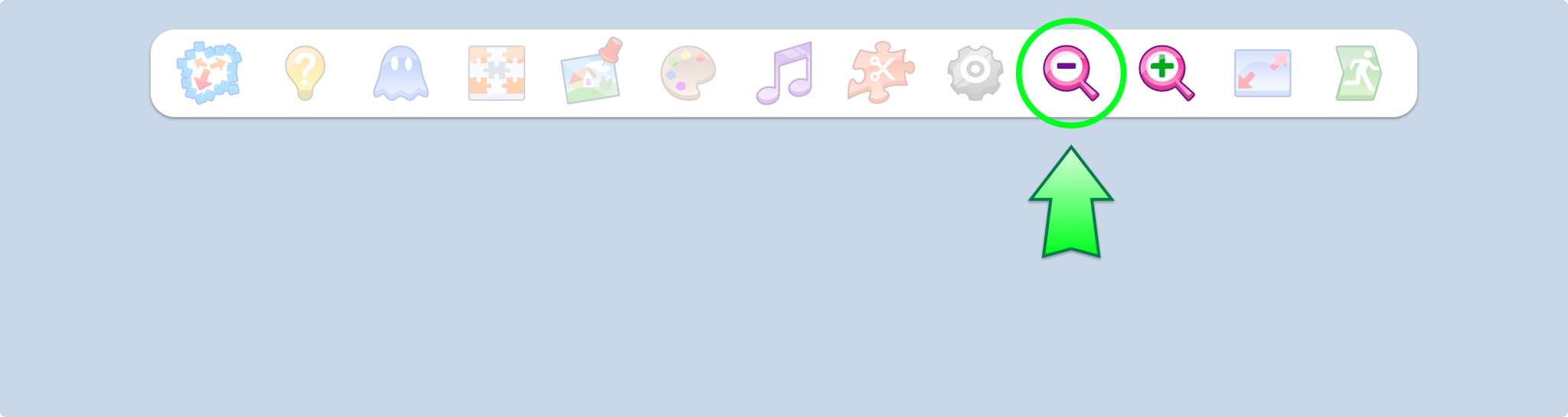
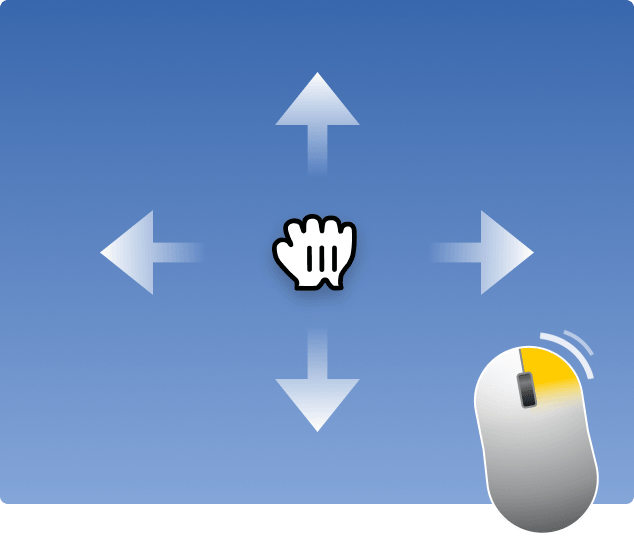
To move around the board, hold down the right mouse button and drag. You can also use the arrow keys (⬅️ ⬆️ ⬇️ ➡️) on your keyboard.
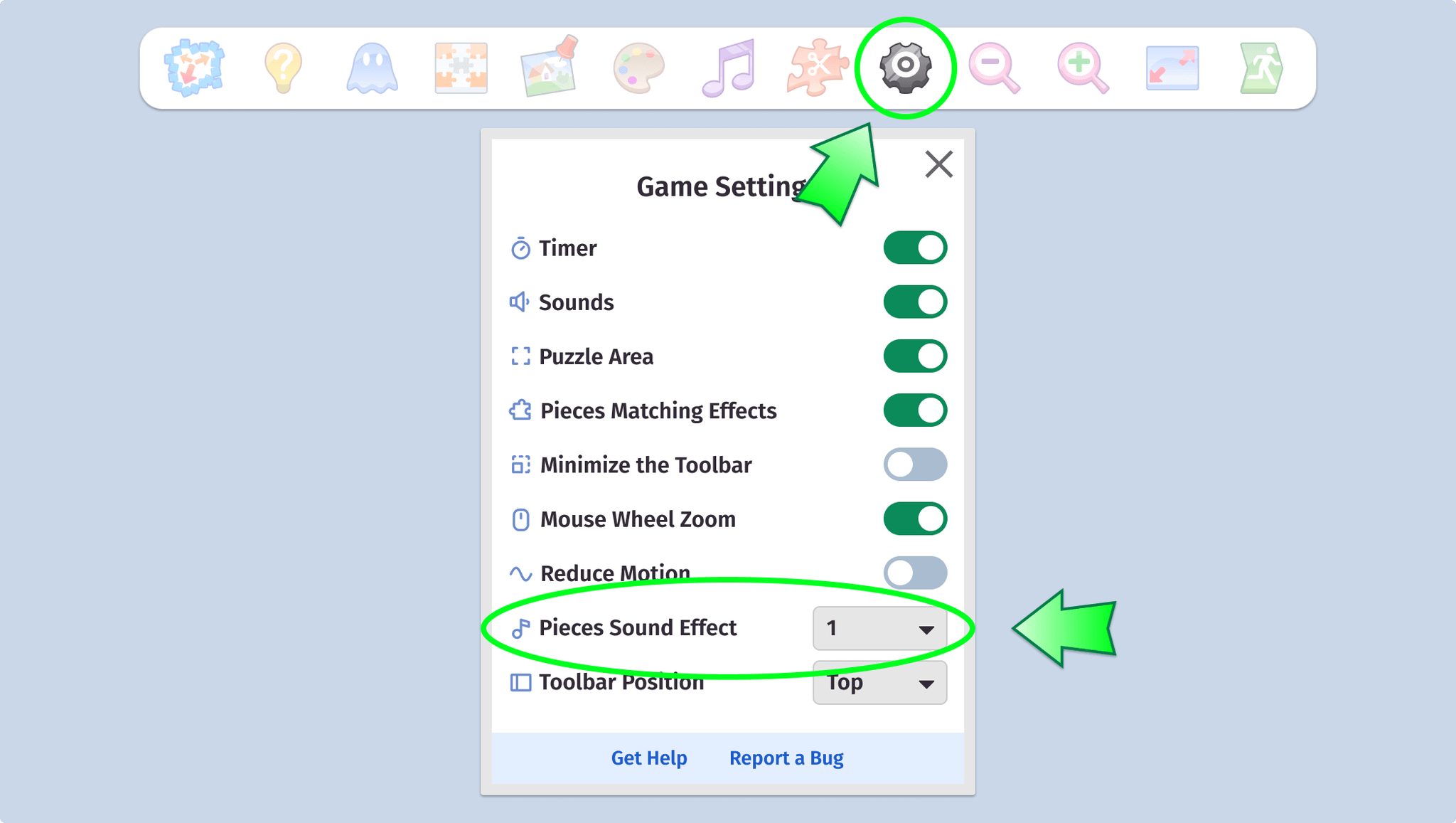
How do I change the clicking sound when pieces connect?
Click the gear button on the top toolbar to open the game settings. Here you can choose a different sound effect for connecting puzzle pieces.
Accessibility features
It's hard for me to click the mouse. Is there another way to move pieces?
Yes. Move your mouse pointer over a piece and press the Space bar to pick it up. Move it where you want, then press the Space bar again to put it down.
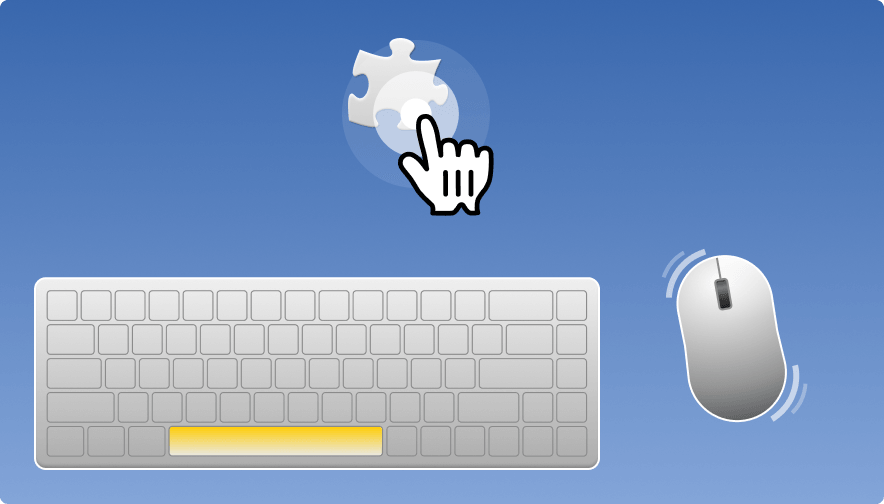
You can also use the arrow keys (⬅️ ⬆️ ⬇️ ➡️) to move around the board and + and - to zoom in and out.
Technical information
Can I play TheJigsawPuzzles.ai on my phone or tablet?
Yes. You can play our online jigsaw puzzles in a browser on your phone or tablet.
We also plan to add an account system so you can start a puzzle on your computer and continue the same puzzle on your phone or tablet.
Still need help?
Didn't find the answer you were looking for? Fill out the form below, and we'll get back to you as soon as possible.
Explore more games and puzzles
 TheSolitaire – Solitaire and card games
 TheMahjong – Mahjong solitaire and connect games
 TheSudoku – Sudoku puzzles and strategies